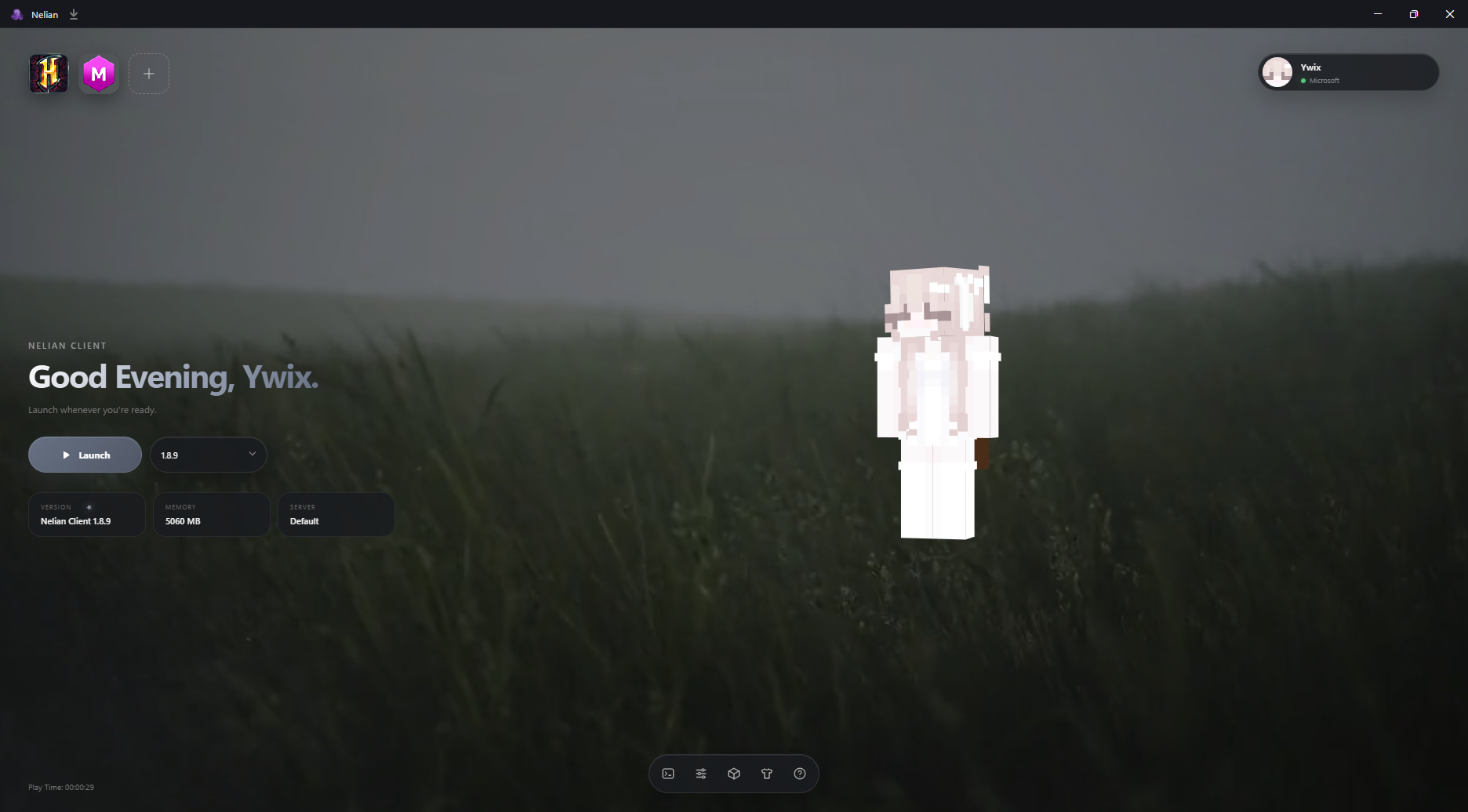
Nelian Launcher
Launch vanilla, Modrinth instances and Nelian Client from one place. Add your own background, manage accounts and skins, and keep everything up to date.
Download LauncherPlay any Minecraft version, install Modrinth modpacks in one click, or start Nelian Client for 1.8.9 PvP in about 4 seconds.
Other platforms: Windows macOS (Apple Silicon) macOS (Intel) Linux x64 Linux ARM64

The launcher runs any Minecraft version. Nelian Client adds PvP mods and faster loading on top.
Launch vanilla, Modrinth instances and Nelian Client from one place. Add your own background, manage accounts and skins, and keep everything up to date.
Download Launcher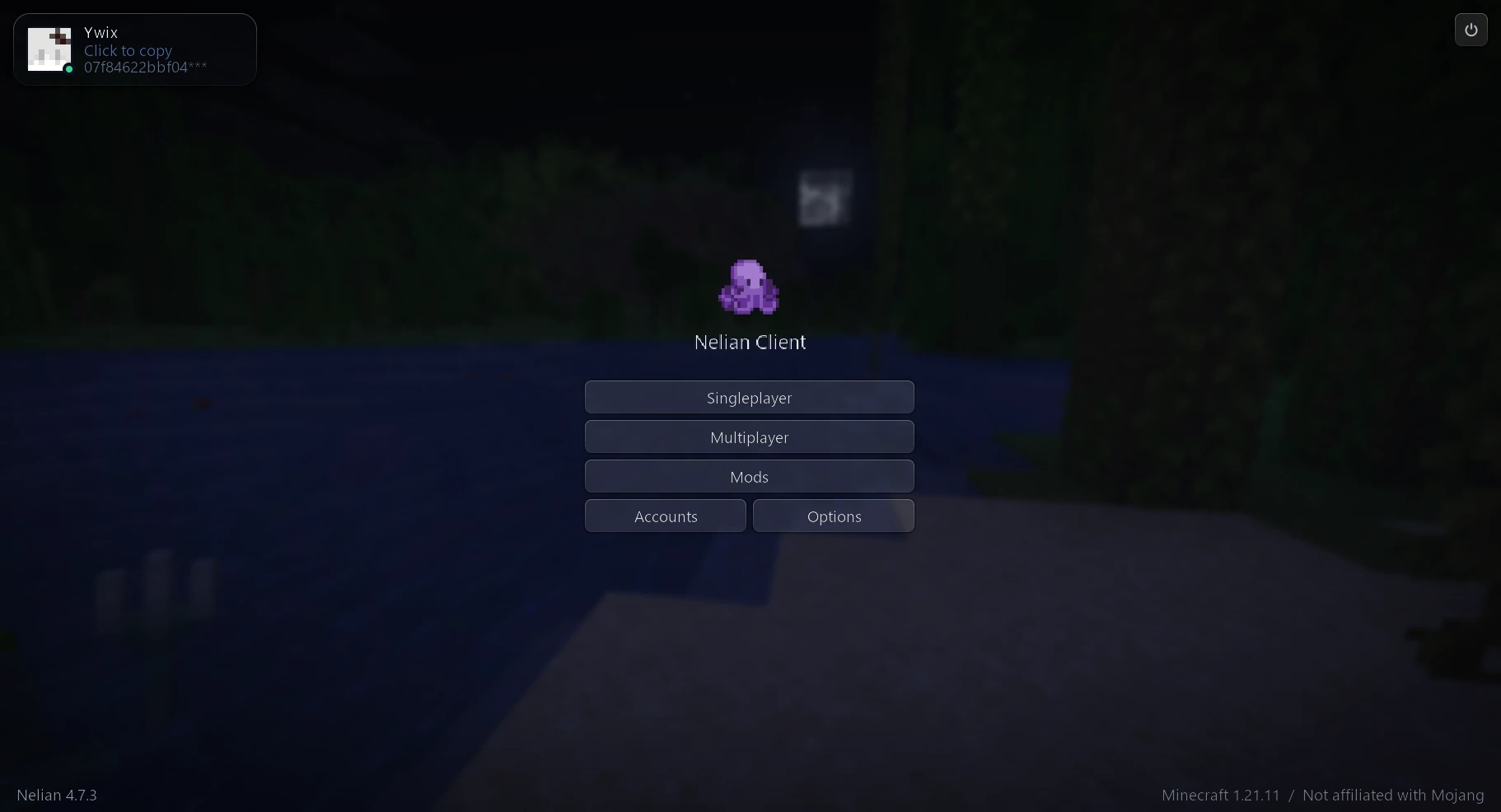
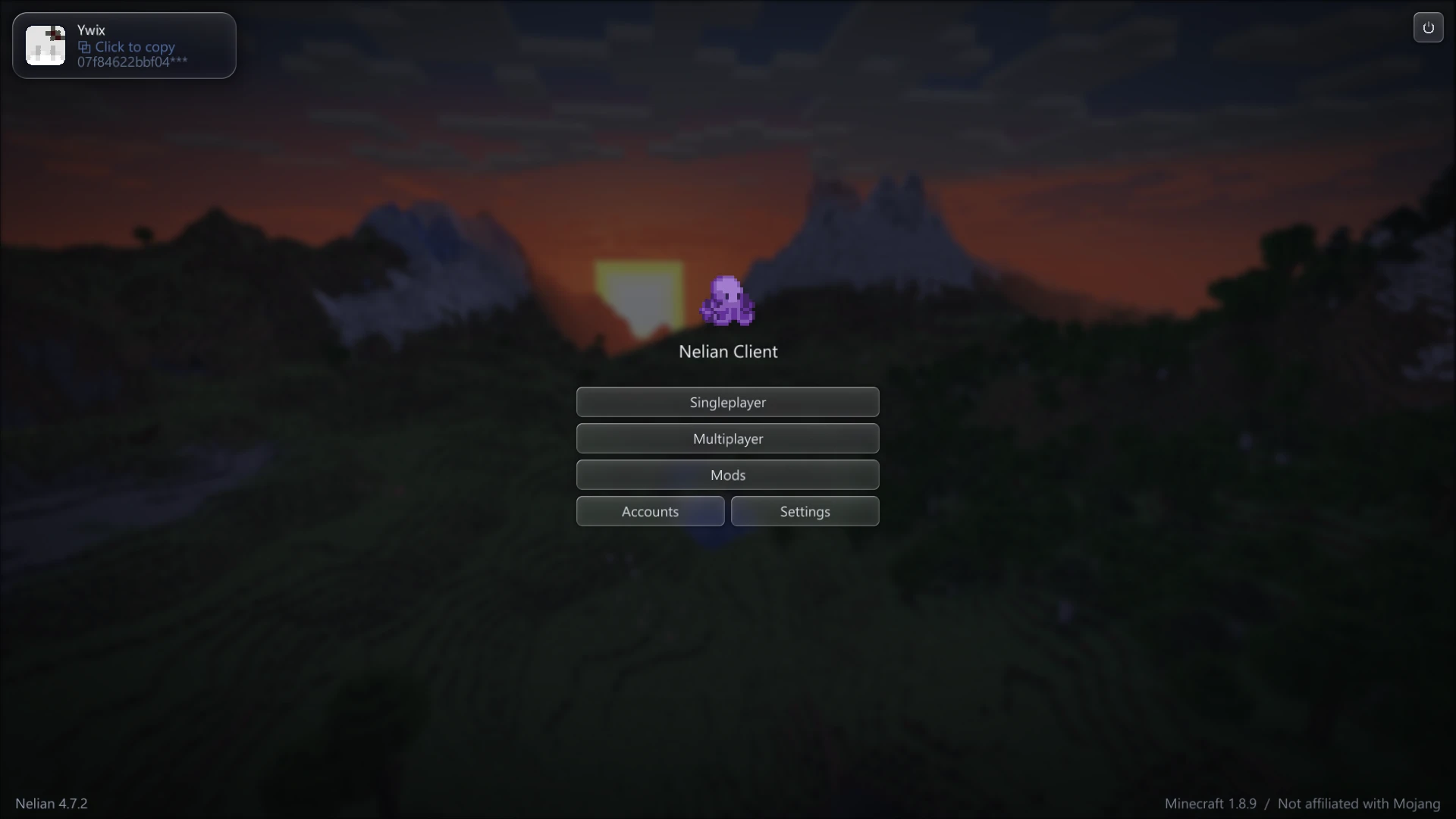
Nelian Client for 1.8.9 and 1.21, with built-in PvP mods and a much faster startup.
Explore ClientKeystrokes, Freelook, Item Physics, FPS boosters and more. Each one has its own hand-drawn icon.
Nelian Client 1.8.9 and Lunar Client on the same PC, with the same game settings, resource pack and memory.
.minecraft folder and options.txt, a 32x resource pack, mipmap level 4, render distance 9, 3072 MB of memory, a 1872×1013 window, no FPS limit and VSync off.Minecraft 1.8.9 does all of its loading on one thread. Nelian splits the work up and keeps the window responsive the whole time.
Earlier Nelian versions loaded every texture, model and sound twice while starting. Now there is a single load, inside the loading screen.
Registering every block, item and recipe takes about a second. It now runs on its own thread while the game window is being created.
Texture images, sky images, block and model files and the sound list are read and decoded on several cores at the same time instead of one after another.
Decoded images go to the GPU as they are, without being converted pixel by pixel first. A large sky texture now takes about 10 ms instead of about 110 ms.
While it loads, the game keeps drawing the loading screen about 60 times a second and keeps answering the operating system, so the animation never stops and the window is never marked as not responding.
The loading screen closes as soon as everything is ready, instead of staying on screen for a fixed few seconds.
Launch, manage and play from one window.
Play Nelian Client on classic 1.8.9 PvP or on 1.21. Switch from the version box; each keeps its own game folder.
1.8.9 · 1.21Runs natively on Windows, macOS and Linux, and asks before installing updates.
Win · macOS · LinuxPut your own image or video behind the launcher and make it yours.
PNG · JPG · MP4Install any Modrinth modpack or .mrpack file; the right mod loader is set up for you.
Fabric · Forge · NeoForgeLaunch any vanilla Minecraft version directly from the launcher.
Keep separate Modrinth instances organized in one place.
Search Modrinth and add mods to an instance without leaving the launcher.
Launch Nelian Client for 1.8.9 or 1.21 straight from the launcher.
Add several accounts and switch between them; the client uses the same list.
Preview, save and change your skin.
Automatically connect to a server on launch.
Show your friends what you're playing. Turn it off any time.
The right Java for each version is downloaded for you. No manual setup.
Only changed files are downloaded, and each one is checked before it's replaced.
Turns off blur, particles and the 3D character for older PCs and laptops.
Inspect launcher and game logs when you need to troubleshoot.
Release notes for the launcher and the client.
What Nelian is, what it does with your data, and how it's licensed.
Most big clients come with ads, extra bloat, and features that exist mainly to make money. Nelian is different.
We know a launcher asks for your trust, so here is exactly what happens with your data:
You don't have to just trust us — you can read the code and build the launcher yourself. The original source code written for Nelian Launcher is public on GitHub (read-only, for educational purposes). It contains launcher-side features, performance improvements, and the rendering system.
It does not include Minecraft's code, third-party libraries (like CmlLib), or Nelian's security systems.
You are free to compile and use it for yourself. You may also redistribute the software or your modified versions, provided you do so for noncommercial purposes only and in full compliance with the PolyForm Noncommercial License 1.0.0.
Any build you compile or redistribute is used entirely at your own risk. We provide no warranty and accept no liability for any damages or issues arising from self-compiled or third-party distributed builds.
Huge thanks to these projects. Third-party code keeps its own license.
The original code written for Nelian Client in this repository is licensed under the PolyForm Noncommercial License 1.0.0.
You may use, modify, and distribute it for noncommercial purposes only. Commercial use is not permitted.
Required Notice: Copyright (c) 2026 Nelian / Ywix
No Liability: As far as the law allows, the software comes as is, without any warranty or condition, and the licensor will not be liable to you for any damages arising out of these terms or the use or nature of the software, under any kind of legal claim.
Minecraft is a trademark of Mojang Studios. Nelian Client is an independent project. It is not affiliated with, endorsed by, or sponsored by Mojang Studios or Microsoft.

Free for Windows, macOS and Linux.
Download for Windows Download for macOS Download for Linux